



Your channel, in every market
Send the cut you already made. The dub keeps your delivery, and a 9:16 reframe is one click — not an afternoon.
Voice, on-screen text, subtitles, final cut — localized in 29 languages, in one tab. Hours, not weeks.
One upload. Three deliverables. Real output — press play.
MrBeast didn’t make more videos — he made them speak more languages.
 YouTube · MrBeast
Localize the videos you already have.
Most new watch time comes from people who don’t speak your language.
He hired a voice team to do it. You just need Dubsmith.
Source: MrBeast, via Variety and Tubefilter (2023). Dubsmith is not affiliated with or endorsed by MrBeast.
This is the real output for the clip above — every word, every on-screen caption, every subtitle. Scrub it, switch the language, and check our work before you ever pay us.
Everything above is editable before anything renders — fix a line, change a voice, then approve. Nothing ships until you say so.
Whether it's your channel or your company's content library, reach audiences in every language — with output you'll publish under your own name.
Send the cut you already made. The dub keeps your delivery, and a 9:16 reframe is one click — not an afternoon.
Ship one cut and get the market versions back the same day — sounding like your brand in every one of them.
Twelve languages of training video, every line reviewed and approved by you before it ships. No vendor, no three-month wait.
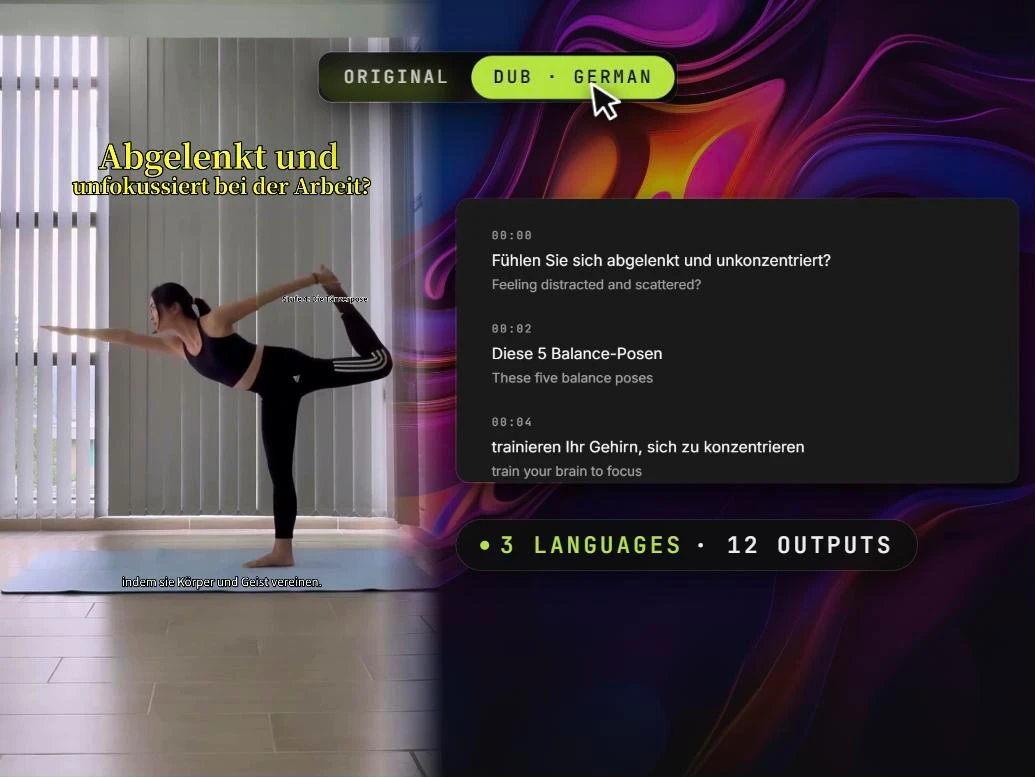
Dub the whole video — emotion-matched voices per speaker, with pause controls and progress you can actually watch.
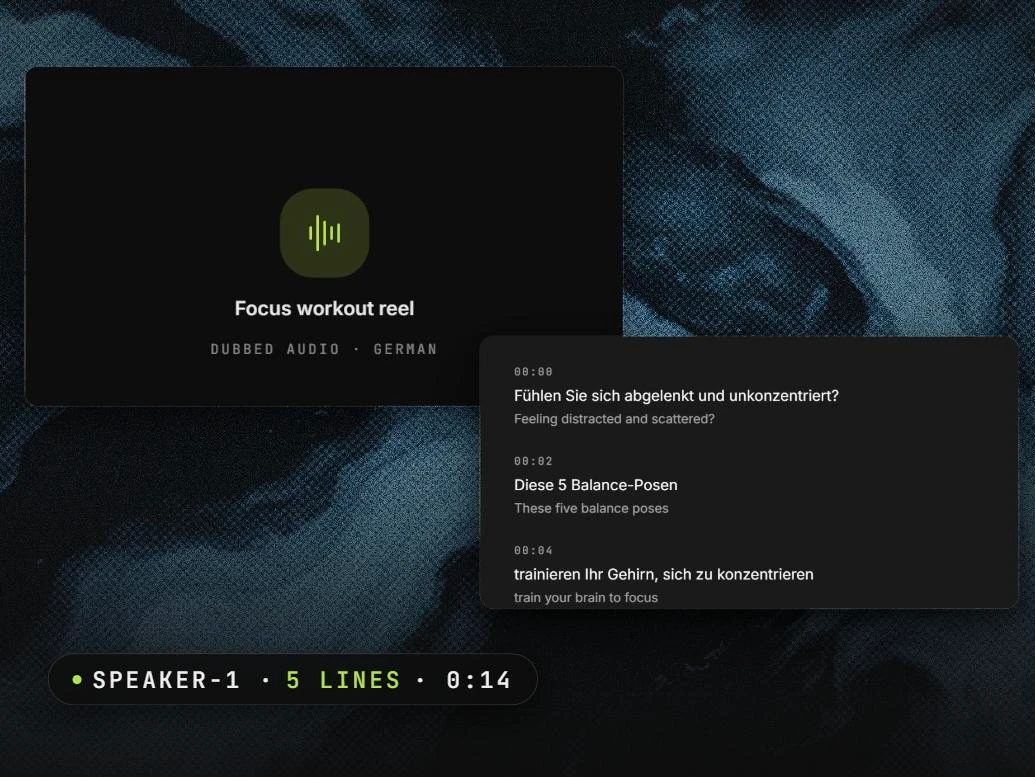
Dubbed audio for podcasts and voiceover — chapter-aware, every speaker separated and kept on their own voice.
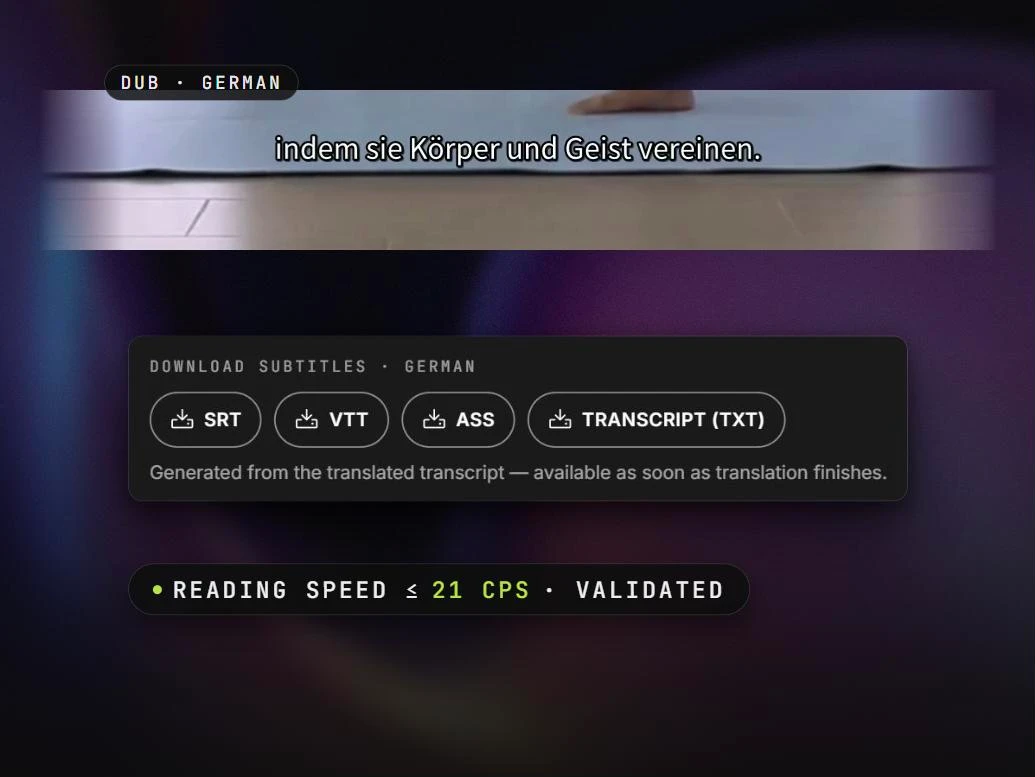
Translated subtitles validated to a broadcast reading speed (21 cps), exported as SRT, VTT, or ASS.
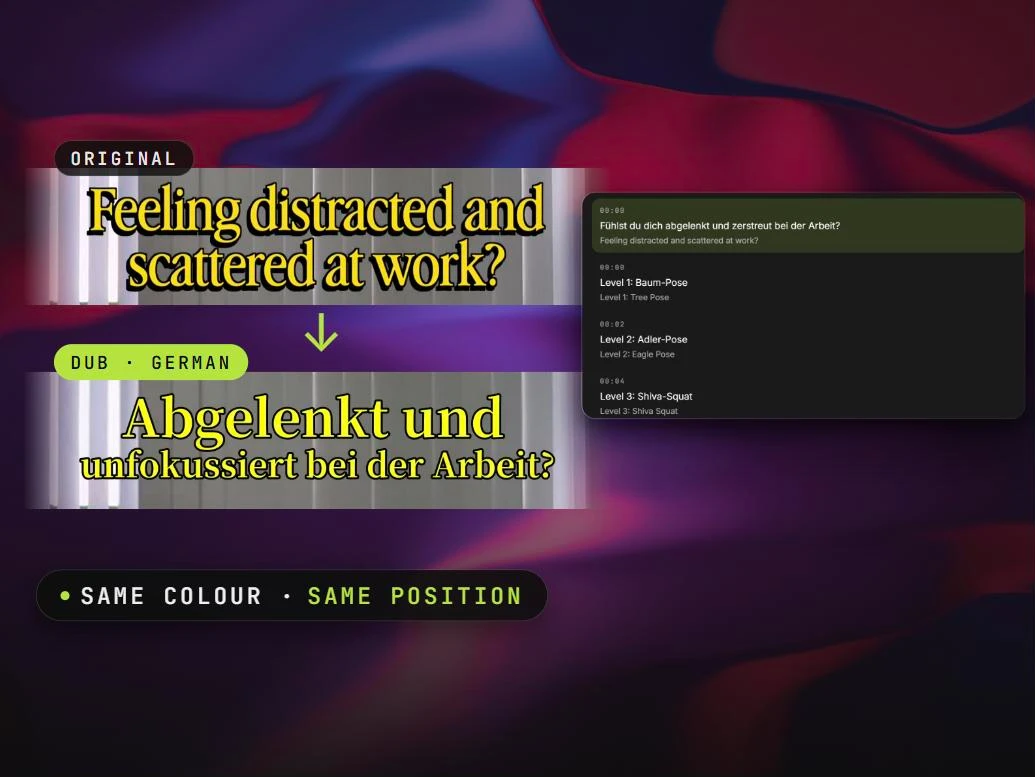
Headlines, captions, and labels baked into the footage — removed and repainted in the target language. The part other tools leave in English.
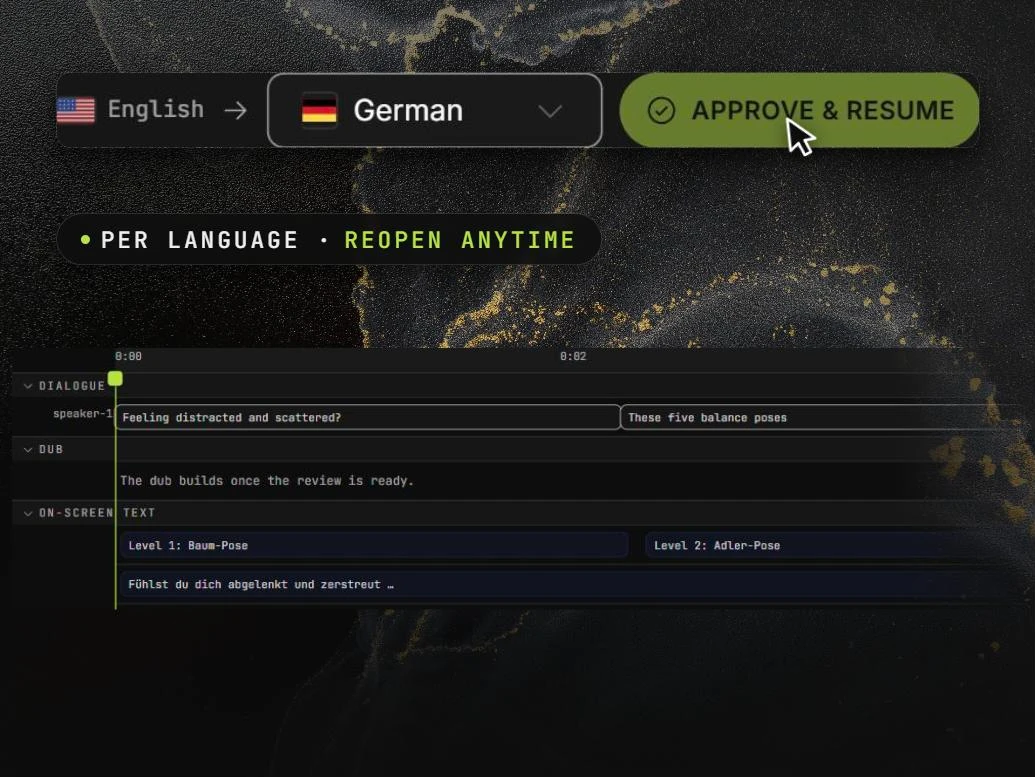
Fix any translation or on-screen word per language, then approve — and reopen anytime.
Every stage reports progress as it runs. If one fails, you keep whatever finished.
Drop a file. Multi-speaker detection runs immediately.
A time-stamped transcript across every speaker, in one pass.
Each segment tagged with the right emotion and intensity, so the dub knows when to be calm and when to be urgent.
Voices the script with emotion-mapped settings, per speaker — each speaker's own voice, cloned from the source so it sounds like the original.
Burned-in text removed and repainted in the target language. Logos, lower thirds, captions baked into the frame — all of it.
MP4 or WebM. Partial result delivery if any stage fails — you keep what finished.
Usage-based on every plan — billed per second, in dollars, for what you process. No seats to license.
Pay as you go, or pick a plan. No sales call to start.